Just Wake!
Wake any device on your LAN
Easily add devices for your environment and awake them by sending Magic Packet!



Native Across Every Apple Screen
Built exclusively for Apple platforms with deep system integrations.

Seamless Multi-Device Experience
Enjoy a fluid, unified interface optimized specifically for macOS, iPadOS, iOS, Apple Watch, and Apple Vision Pro.
.png)
Widgets, Shortcuts & Menu Bar
Send WOL magic packets without even opening the app. Use interactive Home Screen widgets, Mac menu bar quick-access, or voice automation with Siri.
Comprehensive Feature Suite
Powerful Wake-on-LAN tools crafted natively for the Apple ecosystem.

Multiple Environments
Group devices into distinct Environments (e.g. Home, Office, Homelab).
Keep complex LAN topologies neatly separated and easy to manage.
Switch active environment profiles with a single tap.

Organized Device Inventory
View all configured computers, NAS units, and servers in a clean, high-density list.
Assign custom device names, IP/broadcast addresses, and custom WOL ports.
Quickly search and filter devices across multiple subnets.

Instant One-Tap Wake!
Tap to immediately dispatch standard Magic Packets across your subnet.
Provides visual confirmation and vibration haptic feedback upon transmission.
Supports custom broadcast ports and secure remote triggering.
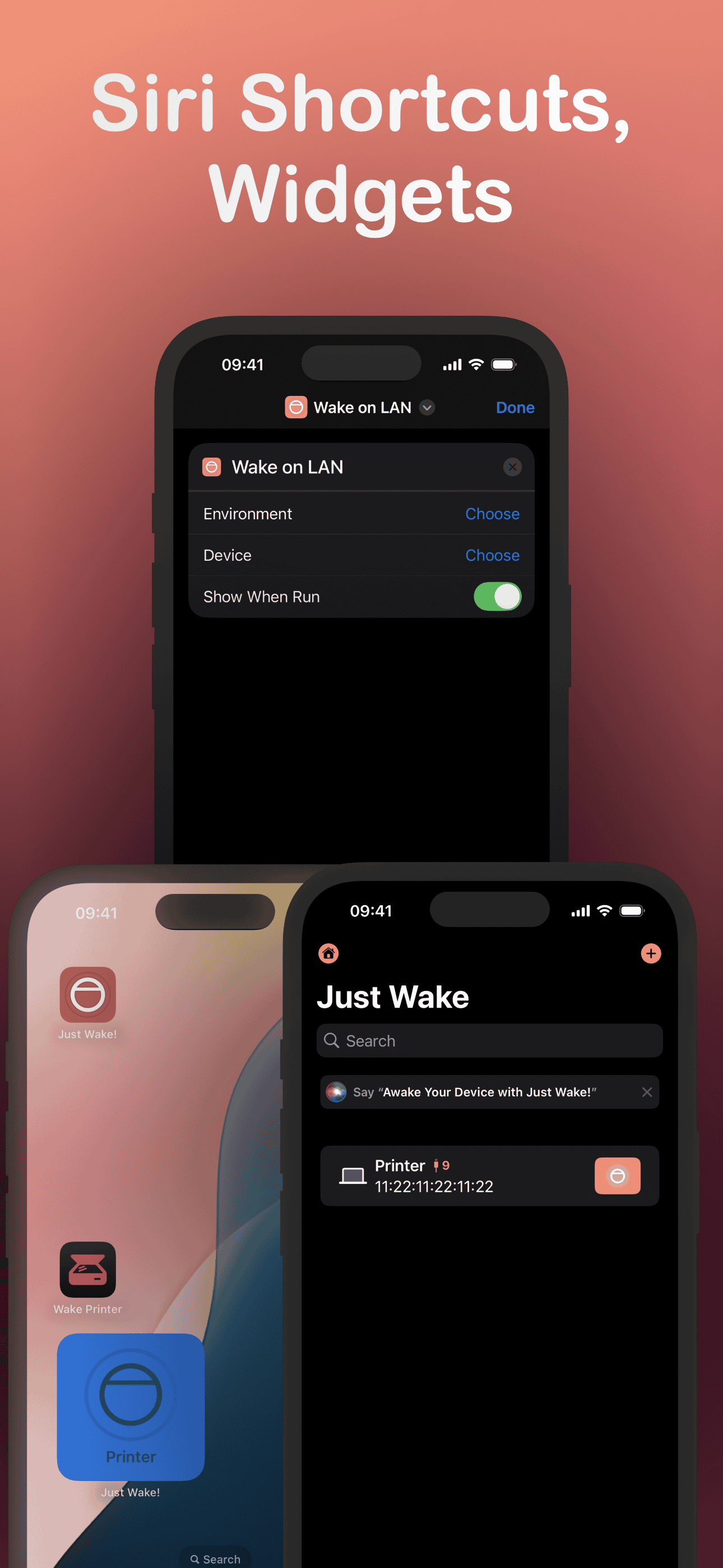
Lock Screen & Home Screen Widgets
Place interactive one-tap wake buttons directly on your iPhone Home Screen and Lock Screen.
Build custom automation flows using Apple Siri Shortcuts.
Wake your workstation automatically when arriving home or on a custom schedule.
How Wake-on-LAN Works in 3 Easy Steps
Getting started takes less than two minutes.
1. Scan or Add Device
Auto-discover devices on your local network using the macOS scanner or manually enter the MAC address on iOS.
2. Set Environment
Assign your target computer or NAS to your preferred environment (Home, Studio, or Office).
3. Tap to Wake
Wake your PC instantly with a tap in the app, from your Apple Watch wrist complication, or hands-free via Siri.
Wake Any Device on Your Network Today
Available natively for iPhone, iPad, Mac, and Apple Watch. Organize network environments, configure custom WOL ports, and wake workstations with a single tap, widget, or Siri.